


Stay Ahead of Cyber Threats with Critical Apple Updates
Critical Apple Security Update: What Business Owners Need to Know
Apple’s latest security update is crucial for safeguarding your business devices against emerging threats. Ensure your Apple products are protected from vulnerabilities that could compromise your data.
A Quick Overview for Business Decision-Makers
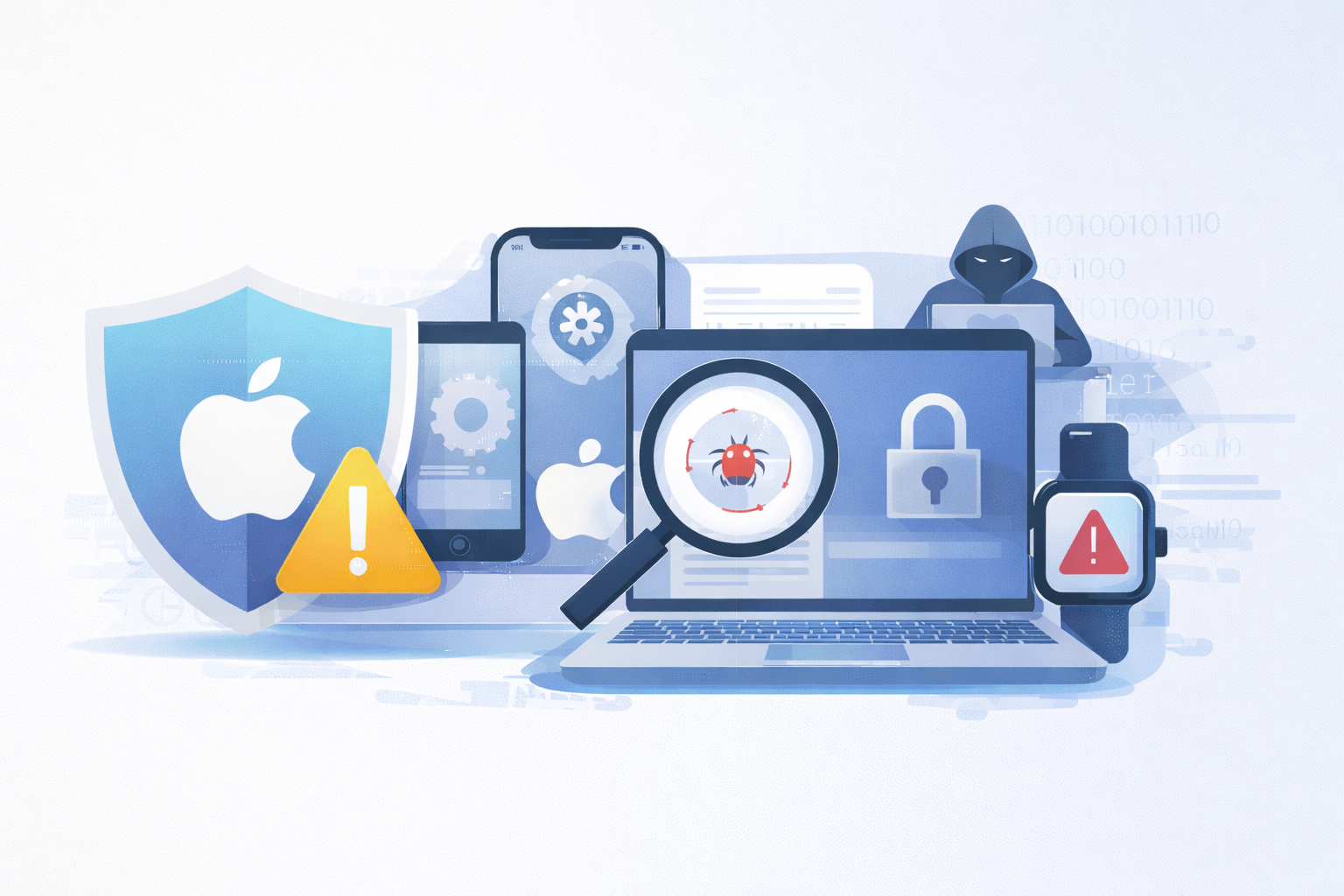
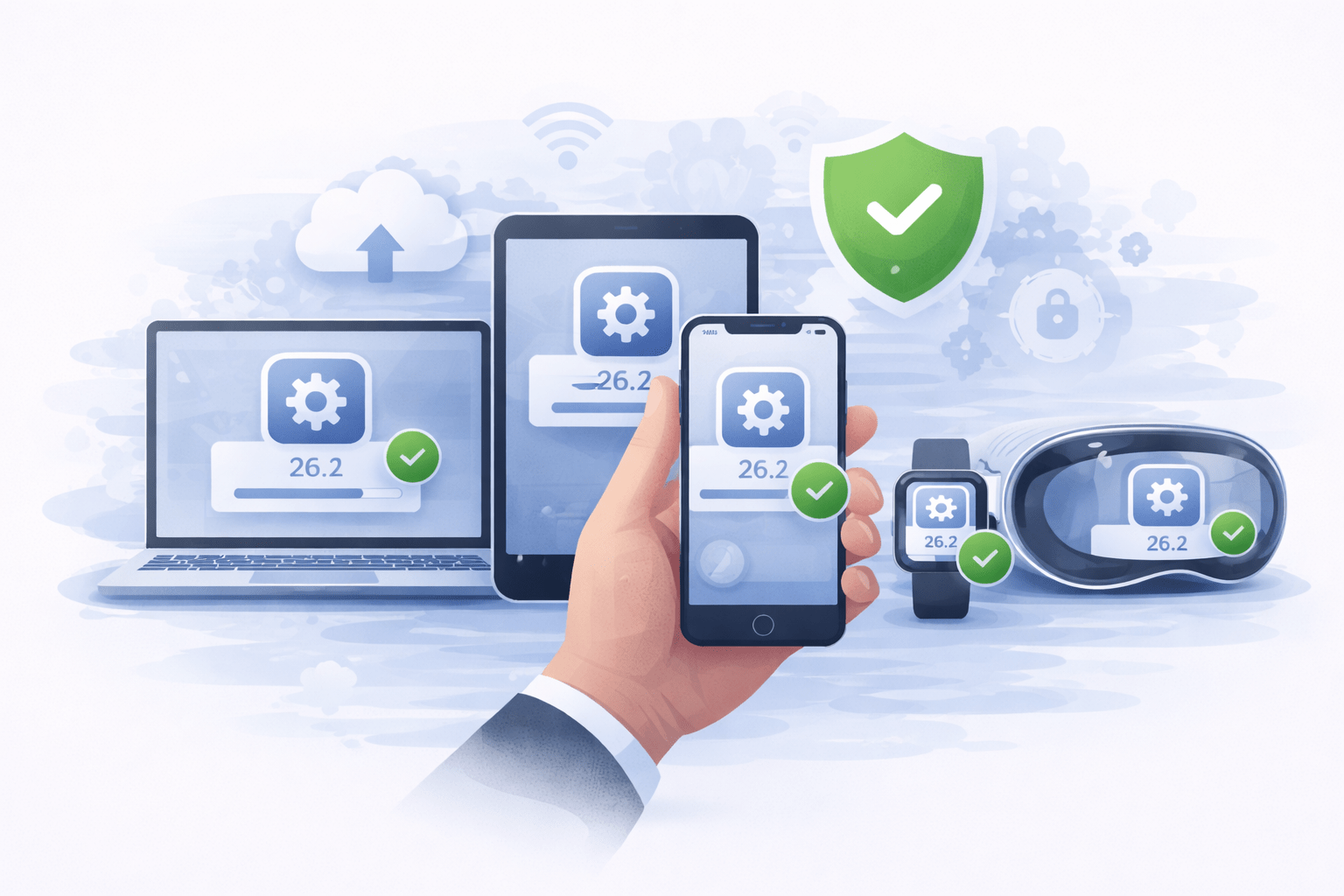
Apple has released a critical security update for iPhone, iPad, Mac, Apple Watch, and Vision Pro devices. These updates address serious vulnerabilities that are already being exploited in real-world attacks.
If Apple devices are used in your business, even occasionally, this update matters. Left unpatched, these flaws could allow attackers to compromise a device simply by getting a user to visit a malicious website.
Understanding the Critical Update
What’s Changed and Why It Matters
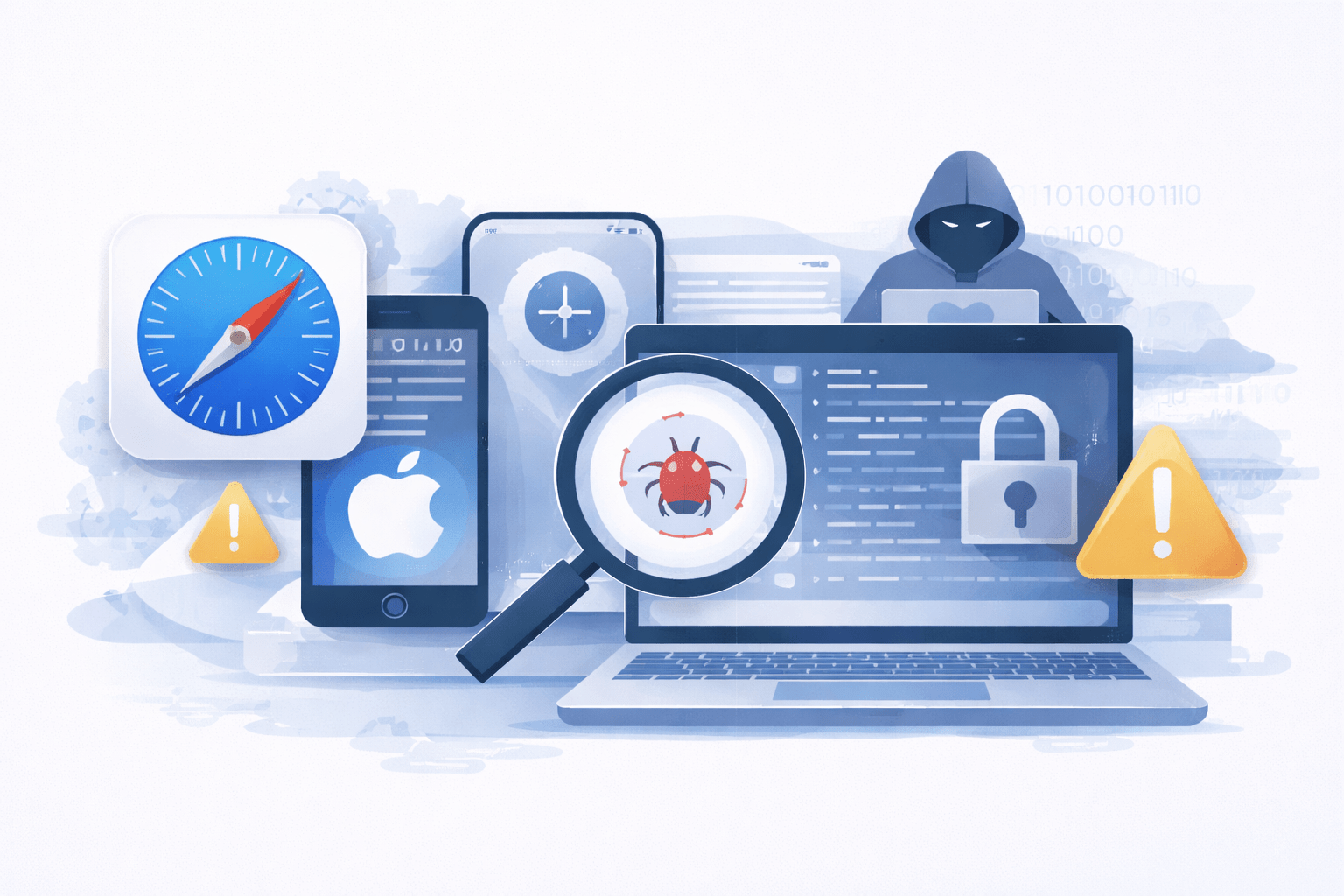
The vulnerability impacts WebKit, the browser engine used by Safari and many apps across Apple devices.
What makes this issue especially concerning is how little user interaction is required. In some cases:
-
No download is needed
-
No obvious warning appears
-
A compromised website alone may be enough
This type of attack can bypass careful browsing habits and traditional “common sense” protections.
Why This Update Is Important for Businesses
For businesses, delayed updates introduce real and unnecessary risk.
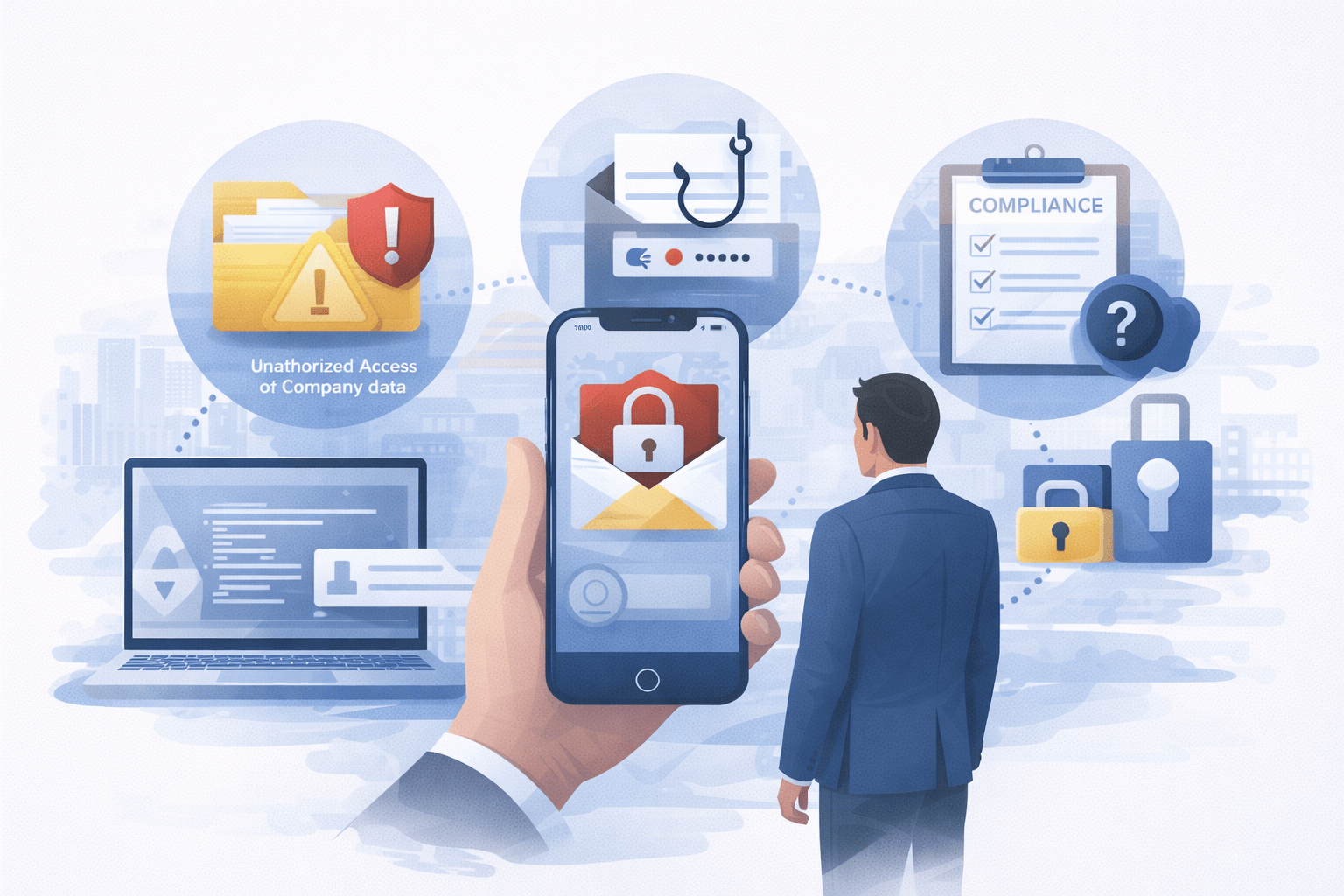
Unpatched devices can lead to:
-
Unauthorized access to company data
-
Compromised user credentials
-
Increased exposure to phishing or ransomware
-
Compliance, audit, or cyber insurance concerns
Even one unmanaged device, such as a personal phone used for work email, can become an entry point.
What Devices Are Affected

Apple has released security updates across all major Apple platforms. Any iPhone, iPad, Mac, Apple Watch, or Vision Pro device that hasn’t been updated recently may be affected. To reduce risk, Apple recommends installing the latest available security updates on all supported devices, including:
-
iOS / iPadOS
-
macOS
-
watchOS
-
visionOS
Apple releases updates regularly. If your device shows an available update, install the most recent version offered. Newer updates include the latest protections along with additional security fixes that help reduce risk.
What You Should Do Now
If you haven’t already:
- Update all Apple devices used for work
- Ensure automatic updates are enabled where possible
- Don’t overlook personal devices that access business email or apps
These updates take only a few minutes and significantly reduce risk.
Immediate Actions for Businesses
Why Proactive Updates Matter More Than One-Time Fixes
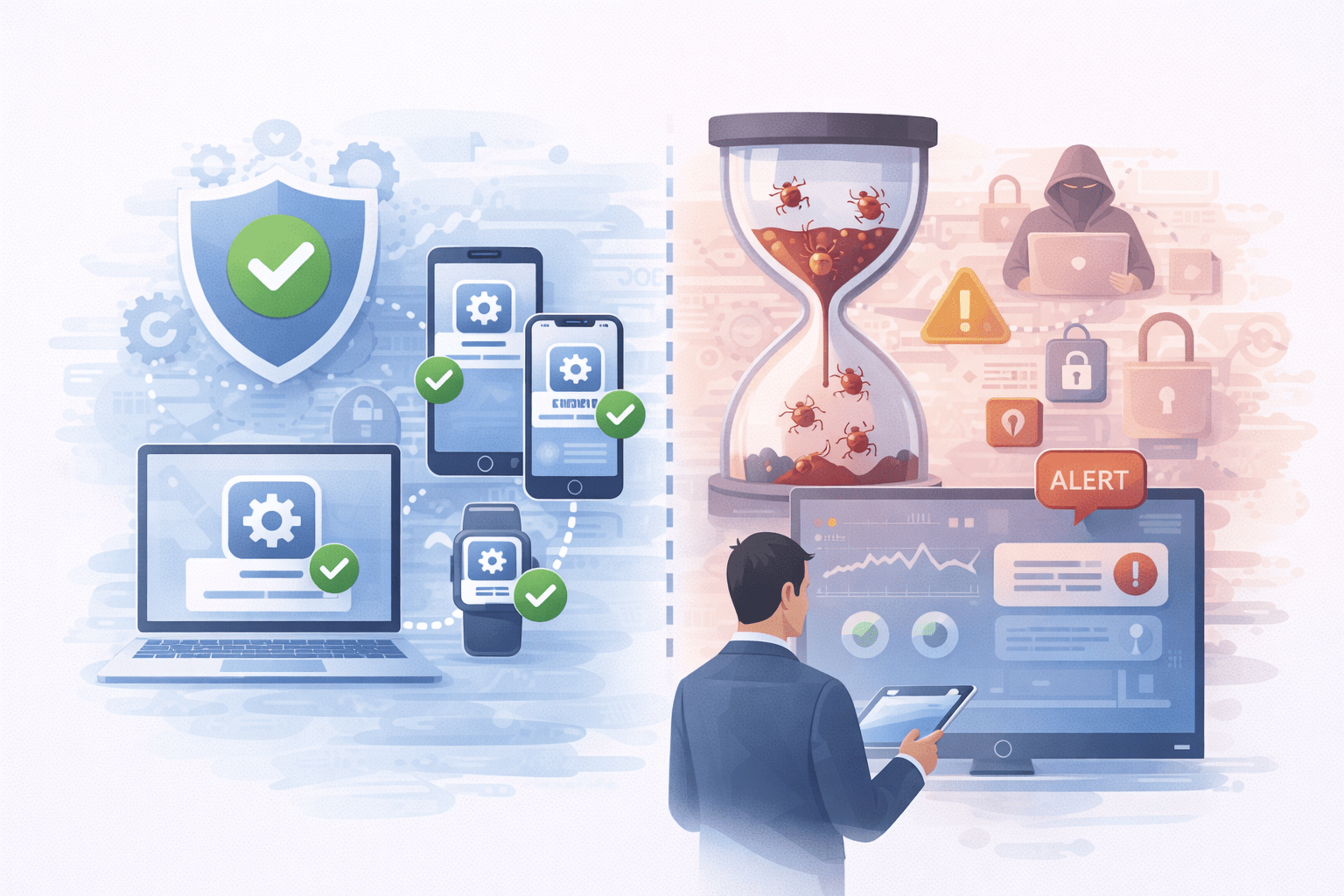
Cybersecurity issues like this don’t happen once—they happen constantly.
Organizations that rely on manual updates or reactive fixes are far more likely to miss critical patches. Proactive update management helps:
-
Reduce exposure windows
-
Maintain compliance
-
Prevent small gaps from becoming major incidents
This is where having consistent oversight—not just alerts—makes a difference.
Proactive Updates: A Cybersecurity Necessity
How Foundation BTS Helps Reduce Ongoing Risk
Foundation BTS helps organizations stay ahead of issues like this by monitoring, managing, and verifying updates across business-critical devices.
Instead of relying on reminders or assumptions, we focus on making sure updates are actually applied and that nothing important slips through the cracks.

Your Questions Answered Here
Explore answers to some of the most common questions about our services and cybersecurity updates.
Do these updates apply if we don’t use Safari?
Yes, these updates are crucial as WebKit is utilized by Safari and numerous apps across Apple devices, ensuring security even if Safari isn’t your primary browser.
Are personal devices used for work a concern?
Indeed, any device accessing company resources should be regularly updated to prevent potential security breaches.
Is enabling automatic updates enough?
While automatic updates are beneficial, they don’t guarantee complete protection. It’s essential to verify that all devices are fully patched, especially in diverse environments.
Not sure if all your devices are fully covered?
If you’d like a second set of eyes, the Foundation BTS team can help verify that updates are applied and nothing critical was missed. It’s a simple way to reduce risk and stay ahead of potential issues.